If you send an email via iOS, a signature will be automatically added in your reply, such as Sent from my iPhone. But do you know that you can customize this signature as well?
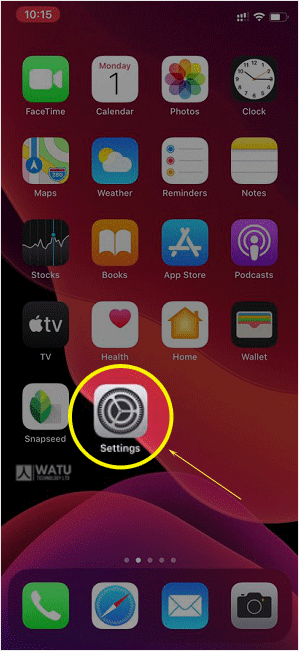
1. Open the main screen of your Apple Mobile and click on the Settings icon.
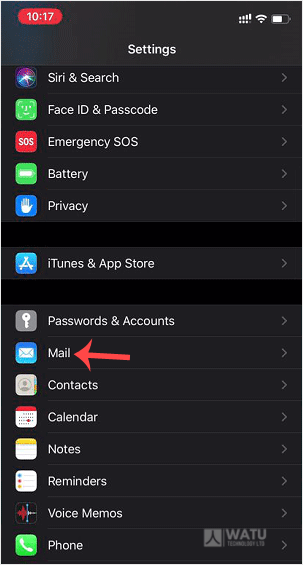
2. Scroll down and tap on Mail.
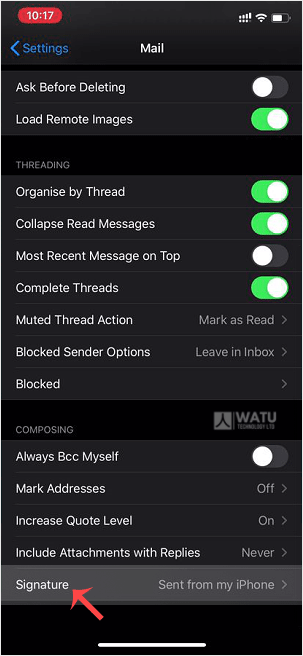
3. Now tap on Signature.
4. Customize your signature.
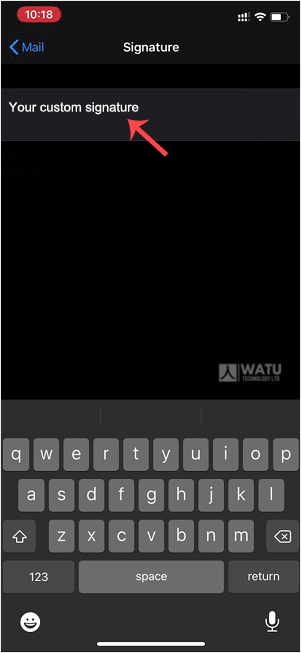
After changing it, your iOS will send your customized signature instead of the default signature.